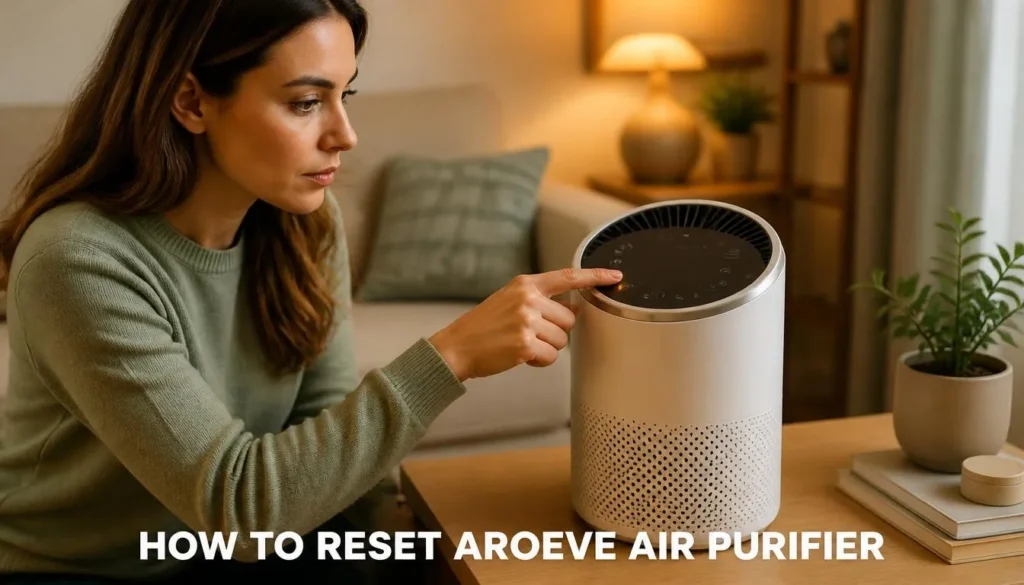
To reset an Aroeve air purifier after a filter change, hold the model’s reset button for 2 to 6 seconds. The exact time and button name depend on your model, and a new filter must go in first. The unit only counts hours of use, so a reset without a fresh filter tells it something untrue. Here is a guide to resetting Aroeve air purifier models, plus what each light means.
Aroeve sells several compact units, and each one handles the reset somewhat differently. By the end, you will know your model’s button, its hold time, and what to do when the red light stays on.
Key Takeaways
- Reset only after you install a new filter, because the unit counts hours of use.
- The hold time differs by model, from 2 to 6 seconds.
- On some models a red light signals poor air quality, not a spent filter.
- Clean the outer pre-filter every 2 to 4 weeks with a soft brush, never with water.
How to Reset Aroeve Air Purifier Filter Light, Step by Step
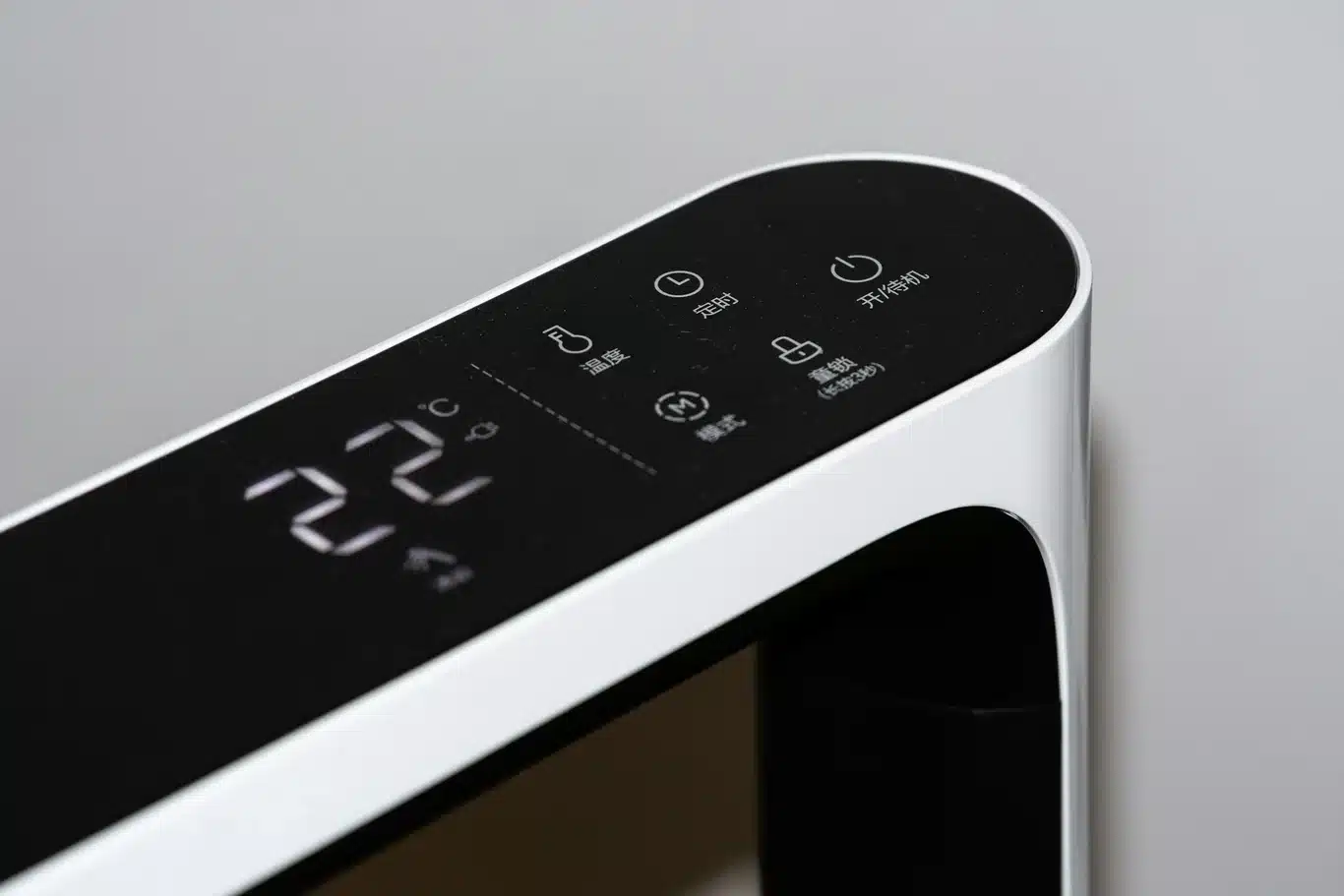
The purifier counts hours of filter use, and a reset tells it that a fresh filter is now in place. It cannot detect the filter itself, so the sequence of the steps matters.
- Unplug the unit from the wall before you touch the filter, as this is a safety precaution from the manuals, not part of the reset.
- Open the filter cover and remove the old filter. Remove all packaging from the new filter and install it as your manual shows.
- Close the cover and plug the unit back in. Maintain the open space around it that the manuals ask for, 15 inches on all sides.
- Locate the reset button for your model. It may read Timer/Reset, Filter Reset, Light/Filter Reset, or just Reset.
- Press and hold that button. Hold times run from 2 to 6 seconds, so check the table in the next section for your model.
- Watch for the confirmation. On the MK01, two beeps and three blinks of the filter life light confirm the reset. On the MK03 and MK06, the filter light goes out.
Press the button only after the new filter is in, because a reset with the old filter inside only conceals the warning. The timer restarts, so the next reminder will not match the old filter’s real wear.
Reset Buttons and Light Meanings by Aroeve Model
The reset button changes name from model to model, and the hold time changes too, from 2 to 6 seconds. Identify your model name first, then use the matching row in the table below. Winix owners can follow our guide to reset a Winix air purifier.
The MK04 manual lists blue for good, yellow for moderate, and red for poor air on its air quality ring, while the MKD05 has a similar colored light. On both, a red light means poor air, not a used filter. Consider the air quality light and the filter light as two separate signals.
The MK04 manual names a Display off/Filter Reset button but gives no hold time. Consult your manual or contact support at support@aroeve.com instead of guessing a number.
Reset details by model:
| Model | Reset button | Hold time | Light that prompts you | Confirmation |
| MK01 | Timer/Reset | 2 seconds | Red filter life light | Two beeps, then the filter life light blinks 3 times |
| MK03 | Filter Reset | 5 seconds | Filter light | The light goes off and use time restarts |
| MK06 | Light/Filter Reset | 3 seconds | Filter element replacement light | The light goes off |
| MKD05 | Reset | 6 seconds | Indicator light | Not stated in the manual |
| MK04 | Display off/Filter Reset | Not stated in the manual | Air quality ring turns red for poor air; filter light not described in the manual | Not stated in the manual |
How to Reset Aroeve Air Purifier Lights That Stay Red
A red light after a filter swap is not always a filter problem. On the MK04 and MKD05, the colored air quality light turns red when the unit reads poor air. The troubleshooting pages say it can remain red for a considerable time, even with a new filter in place.
The manuals list these causes and fixes:
- Dust on the sensor lens: dust on the infrared sensor lens (the small window the unit reads the air through) can keep the light red. Unplug the unit, then check the lens.
- Poor room air: run the unit in a clean space for 6 to 24 hours and watch the light. See how long to run an air purifier for daily habits.
- High humidity: at 75% humidity or more, the light can stay red for 1 to 2 days, until humidity drops below 75%.
- Filter fitted wrong: take the filter out, remove any packaging, and seat it again.
- Still red after all that: contact support at support@aroeve.com.
Allow the unit the complete 6 to 24 hours before you decide anything is defective. If the red light is the filter light instead, the fix is the reset hold from the table above, after a real filter change.
Filter Care Before and After the Reset
A reset only tells the unit that a new filter is in, but it does not clean or renew the old one. Reset only after you fit a fresh filter, or the light will report a fresh filter that is not there. Unplug the unit before you swap the filter or clean it.
The MK01 and MKD05 manuals set filter life at 2000 hours of use. At nonstop use, that is about 83 days (2000 hours divided by 24), and it takes longer if you run it fewer than 24 hours a day. Our guide on how often to change an air purifier filter covers typical schedules. The MK03 and MK06 manuals give no hour figure, so treat their filter lights as your prompt, but the MK04 manual does not describe a filter light, so ask support@aroeve.com.
Between changes, clean the outer pre-filter (the first layer, which catches hair and large dust) every 2 to 4 weeks with a soft brush or vacuum hose. Never use water on the filter. Clean the unit itself at least every 3 months, and leave 15 inches of clearance on all sides.
The manuals mention HEPA (high-efficiency particulate air) filters, but they do not state a True HEPA rating for every model, so check your own model page. According to the EPA, a HEPA filter is built to catch at least 99.97% of particles 0.3 microns (millionths of a meter) wide. A human hair is about 70 microns wide.
That size is the hardest to catch, not the smallest, and the EPA also advises replacing filters as the maker recommends. The American Lung Association lists HEPA filters among the most effective air cleaner types. The CDC lists portable HEPA cleaners as one extra step for cleaner indoor air.
Finding Your Model Number, Manual, and Support

Begin with the model name on your unit’s label, since the User Manual page on aroeve.com lists manuals for the MK01, MK03, MK04, MKD05, MK06, MK07, MK08W and MK09W. The table in this guide covers five of them, so for any other model, open the manual for your exact model before you press any button.
If a step does not match your unit, write to support@aroeve.com. Aroeve gives a 2-year warranty on purchases from authorized stores and the official site, so it is useful to know where you purchased your air purifier for home use.
Own a purifier from another brand too? Our guide on how to reset a Shark air purifier covers the same job for that line.
How We Research
We check every claim against primary sources. Federal agencies like the EPA and CDC come first. Certification bodies like NSF and AHAM come next. We verify each standard number against the issuing body. We review this guide on a set schedule.
Why Trust This Guide
Puritisimo covers only water and air quality. Our guidance is editorial and independent. We cite every health figure so you can check it. We never present a promotional claim as fact.
Getting the Reset Right on Your Model
A reset is the last step of a filter change, not a fix on its own. Fit a fresh filter first, then hold the reset button your model uses until it signals. Hold times run from 2 to 6 seconds, so read your own manual before you press. If a red light stays on, first check which light it is. Owners of other brands can follow our guide on how to reset a Levoit air purifier. Once you match your model to the table, you know how to reset an Aroeve air purifier.
Frequently Asked Questions
How to reset Aroeve air purifier filter light?
The steps for how to reset an Aroeve air purifier filter light are short. Unplug the unit, fit a new filter, plug it back in, then hold your model’s reset button. The hold is 2 seconds on the MK01, 3 on the MK06, 5 on the MK03, and 6 on the MKD05. The MK04 manual gives no hold time.
What does the red light on my Aroeve air purifier mean?
Two different lights can show red. On the MK01, MK03, MK06 and MKD05, a lit or red filter light means the filter is due. On the MK04 and MKD05, the colored air quality light turns red for poor air, and dust on the sensor or humidity can keep it red.
Why is my Aroeve air purifier not working?
Start with the basics from the official troubleshooting steps. Make sure the unit is plugged in, check the cord, and try another outlet. If the cord is damaged, stop using the unit. If it still does not work, contact support at support@aroeve.com.
How long does an Aroeve filter last before the light comes on?
The MK01 and MKD05 manuals state 2000 hours of use before the filter light prompts a change. At nonstop use, that is about 83 days (simple arithmetic: 2000 hours divided by 24). The MK03 and MK06 manuals give no hour figure, so treat their filter lights as your prompt, but the MK04 manual does not describe a filter light, so ask support@aroeve.com.
How often should I clean the filter on an Aroeve air purifier?
Clean the outer pre-filter every 2 to 4 weeks with a soft brush or vacuum hose, and never use water on it. Clean the unit itself at least every 3 months. Unplug it first. These steps come from the MK03, MK04 and MK06 manuals.
References
- US EPA. What is a HEPA filter? US Environmental Protection Agency. Accessed 2026.
- US EPA. Guide to Air Cleaners in the Home. US Environmental Protection Agency. Accessed 2026.
- American Lung Association. Air Cleaning. American Lung Association. Accessed 2026.
- CDC. Taking Steps for Cleaner Air for Respiratory Virus Prevention. Centers for Disease Control and Prevention. Accessed 2026.
Medical Disclaimer: This content is for informational purposes only. It is not a substitute for professional medical advice, diagnosis, or treatment. If you have concerns about your water quality or air quality and their effects on your health, consult a qualified healthcare professional.