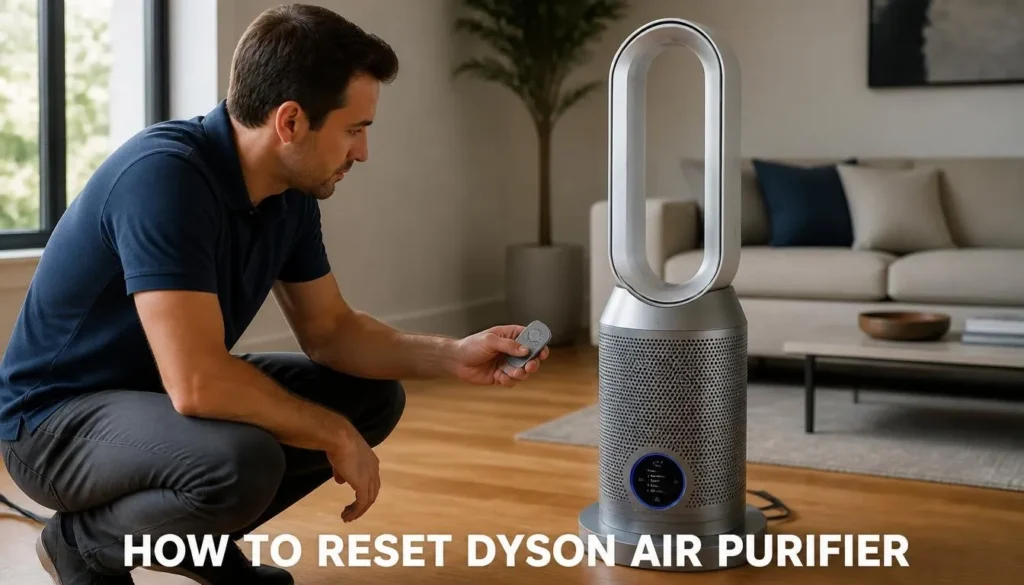
For most current Dyson purifiers, you replace the filter and then hold one remote button for 5 seconds. That tells the machine the new filter is fresh and restarts its filter life count. The exact button depends on your model, and that is where the confusion starts when you look up how to reset a Dyson air purifier. A Wi-Fi reset and a power reset are separate jobs, and neither one touches filter life.
Below, you’ll see which button each Dyson line uses, what the Wi-Fi and power resets do, and what to try without the remote. By the end, you’ll know which reset your machine needs and which ones to skip.
Key Takeaways
- On combined-filter Dyson models, hold Night mode on the remote for 5 seconds after fitting a new filter.
- The Pure Cool Link tower uses Standby ON/OFF on the remote, held for 6 seconds.
- Dyson’s manuals show the filter reset on the remote only, so a lost remote needs a replacement.
- Wi-Fi and power resets never change filter life, so they will not clear a filter reminder.
How to Reset Dyson Air Purifier Filter Life With the Remote
Your Dyson air purifier counts down filter life while it runs, and only a manual reset tells it the filter is new. Do the swap first, once you know how often to change the filter. The EPA says all filters need regular replacement, so a reset belongs after a real change, never before it.
These steps match the Dyson manuals for the Purifier Cool (TP07) and Purifier Hot+Cool (HP07 and HP09) lines. Both use a combined filter called HEPA+Carbon. HEPA (high-efficiency particulate air) is a filter grade built to catch tiny particles, and the carbon layer handles odors and gases.
After you fit the new filter, follow these steps:
- Unplug the machine and fit the new filter as your manual shows.
- Plug the machine in and switch it on.
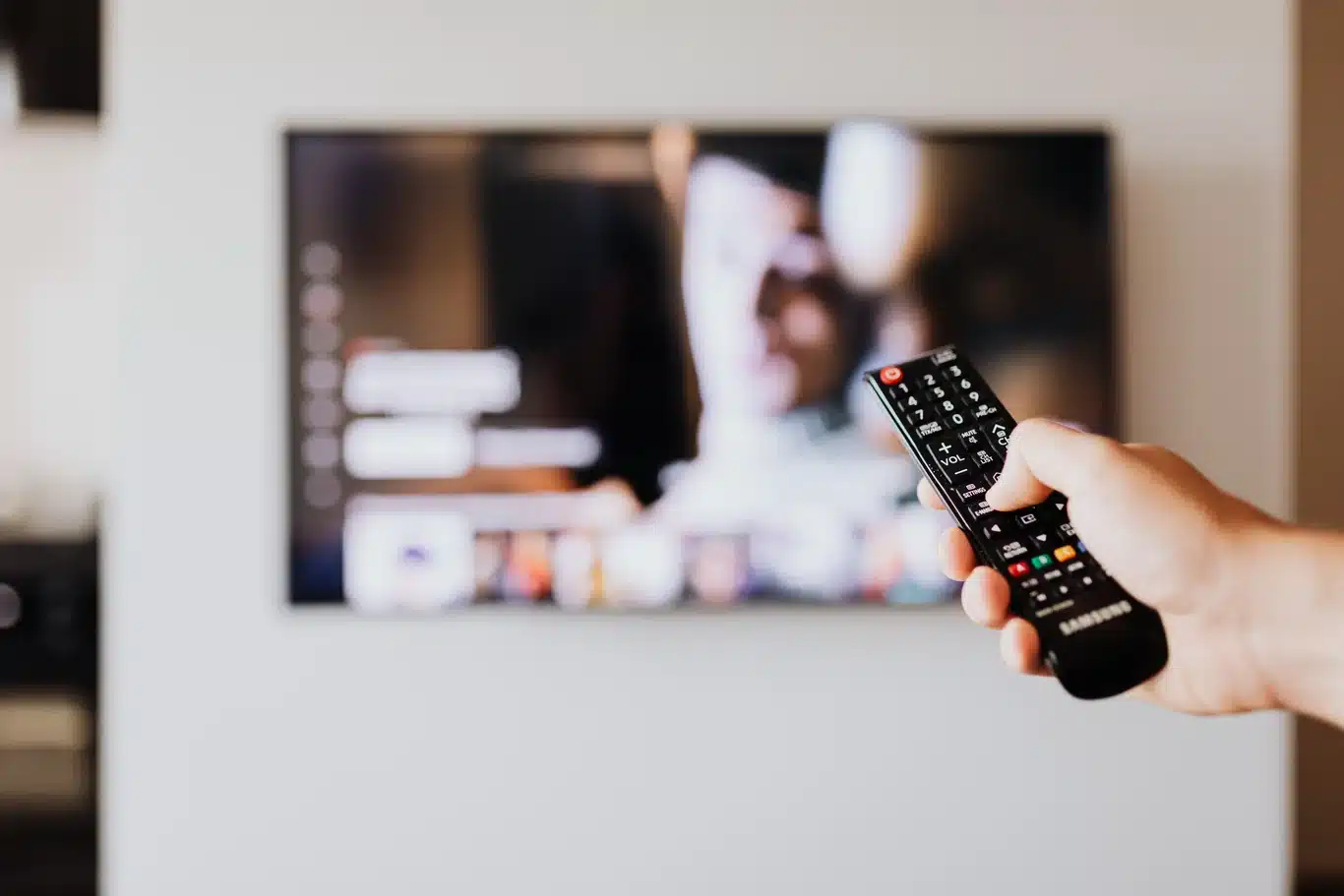
- Press and hold Night mode on the remote.
- Watch the display count down from five. When the countdown ends, the filter life resets.
- Check that the display now shows the reset filter life.
If you own a different line, the button changes. The Pure Cool Link tower uses another button and hold time, and models with two separate filters have two resets. The model table in the next section lists each one.
Which Dyson Models Reset Differently
Dyson does not use one button for every purifier. The right hold depends on the model line, and older Link models differ from newer models with an LCD (liquid crystal display, the small screen that shows filter life). Every reset below happens on the remote, and each one follows a filter change.
Some models keep two counters, one for the HEPA (high-efficiency particulate air) filter and one for the carbon filter. Those models need two separate resets, one for each filter you replace. The table shows which button handles which filter.
This table covers the four model lines confirmed in Dyson’s official manuals:
| Model line | Button to hold | Hold time | Held on |
| Pure Cool Link tower (TP02) | Standby ON/OFF | 6 seconds | Remote |
| Purifier Cool and Hot+Cool with a combined HEPA+Carbon filter (TP07 family, HP07, HP09) | Night mode | 5 seconds | Remote |
| Models with separate HEPA and carbon filters | Night mode for HEPA, Oscillation for carbon | 5 seconds each | Remote |
| Big+Quiet (BP02, BP03, BP04 family) | Night mode for HEPA, down airflow direction button for carbon | 5 seconds each | Remote |
How to Reset Dyson Air Purifier Without Remote
Dyson’s official manuals show the filter reset on the remote. The Purifier Cool, Hot+Cool, Big+Quiet and Pure Cool Link tower manuals all tell you to hold a button on the remote control. None of the manuals we reviewed shows a filter reset done on the machine alone.
Wi-Fi on and off is not a substitute. On newer models, a 5-second hold of the Standby on/off button on the machine switches Wi-Fi on or off, but it does not touch filter life. The two are easy to mix up, and they are separate jobs. If you also own a Winix unit, our guide explains how to reset a Winix air purifier after replacing its filter.
If your remote is lost or broken, you have two sound options. Buy a replacement remote, or contact Dyson support and ask how your model handles the reset. Skip unofficial button combinations from online posts, because none could be confirmed.
Wi-Fi Reset and Power Cycling: What Each One Does
Three other resets often get confused with the filter reset. None of them changes filter life. Each one fixes a different problem, and the Pure Cool Link tower manual gives the clearest hold times.
Here is what each one does:
- Power cycle: for an E message that will not clear, unplug the purifier and wait 10 seconds. Then plug it in and turn it on. The Pure Cool Link tower manual gives this step.
- Clear Wi-Fi settings: on the Pure Cool Link tower, hold ON/OFF on the machine for longer than 20 seconds. The Wi-Fi symbol flashes white and green. This clears the saved Wi-Fi network (the home network details the machine remembers), so the machine will not connect to the app until you set it up again.
- Turn Wi-Fi on or off: on the Link tower, hold ON/OFF for 10 to 20 seconds. On newer models such as the Purifier Cool, Wi-Fi is on by default, and a 5-second hold of the Standby on/off button on the machine switches it on or off.
The manuals we reviewed did not confirm a hold time for clearing the Wi-Fi network on newer models. For those, use the Dyson app settings or contact Dyson support instead of guessing a button hold. Own an Aroeve purifier too? Our guide shows how to reset an Aroeve air purifier.
Air Purifier Filter Change: Replace First, Then Reset
A reset belongs after a real filter change, never before. According to the EPA, all filters need regular replacement. Your Dyson shows the remaining filter life on its screen and in its app, so you can plan the swap before the filter runs out.
Unplug the machine before you change a filter. On the Pure Cool Link tower, the filter unit is non-washable, and the manual warns that skipping a replacement when prompted may change how the product performs. Rinsing the filter is not a substitute for a new one. For washable parts, see how to clean an air purifier filter.
The point that is easy to miss is simple. A reset clears the counter. It does not clean or renew the filter. Resetting early only hides how worn the filter is, so the display can read full while the filter media is not.
Air Purifier HEPA Filter and Carbon Filter: Why Some Models Have Two Resets
A HEPA filter traps particles. The U.S. Department of Energy standard sets the bar. A filter must remove at least 99.97% of particles 0.3 microns (a micron is a millionth of a meter, far finer than a hair) across to count as HEPA. The EPA explains this standard on its HEPA page.
Here is the detail most people miss: 0.3 microns is the hardest size to catch, not the smallest. It is called the MPPS (most penetrating particle size). Larger and smaller particles are caught even more easily, so the EPA rating reflects the filter’s weakest point.
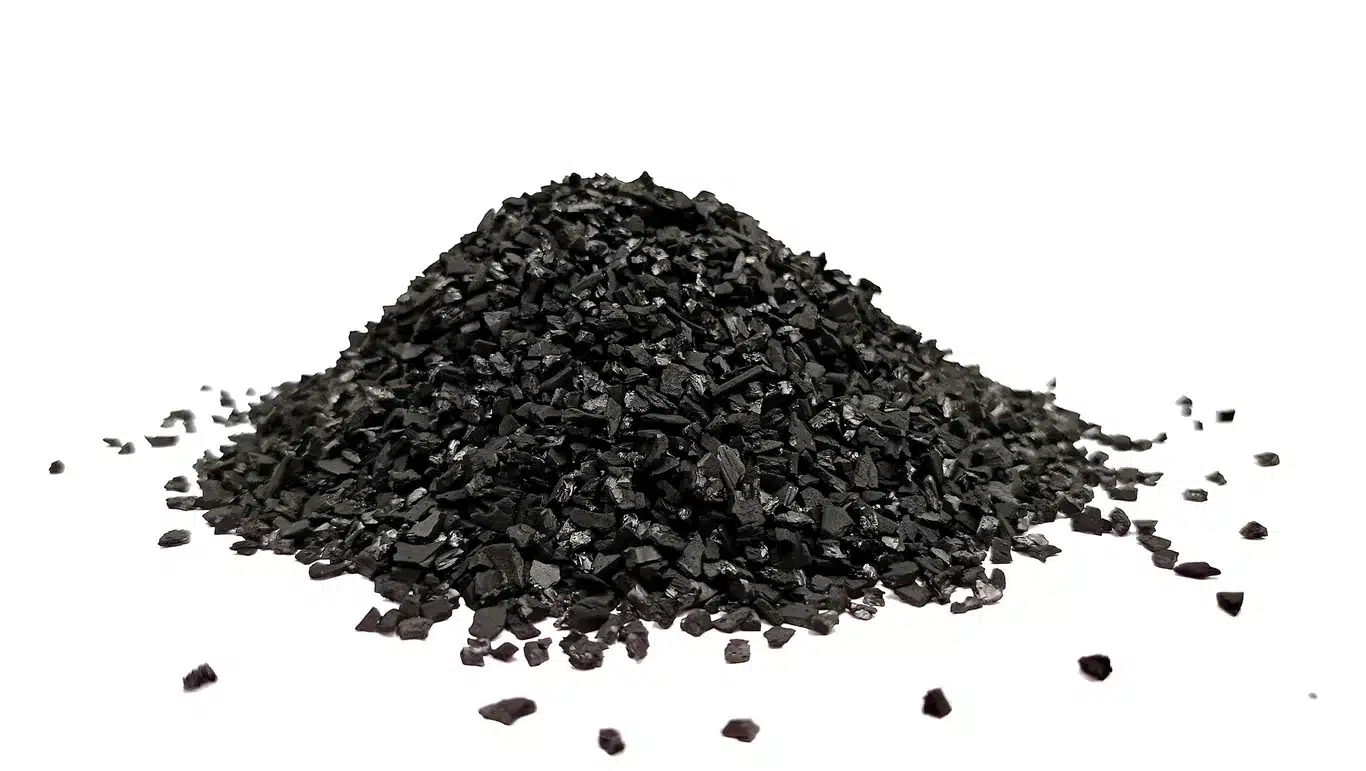
A carbon filter does a different job. Activated carbon (carbon treated to have millions of tiny pores) holds gases and odor molecules on its surface, which a HEPA filter cannot do. Models with separate HEPA and carbon filters track two life counters. Combined HEPA+Carbon models use one reset.
The American Lung Association describes HEPA purifiers as among the most effective types of air cleaners. The CDC lists portable HEPA air cleaners as one supplemental measure alongside ventilation and filtration.
How We Research
We check every claim against primary sources. Federal agencies like the EPA and CDC come first. Certification bodies like NSF and AHAM come next. We verify each standard number against the issuing body. We review this guide on a set schedule.
Why Trust This Guide
Puritisimo covers only water and air quality. Our guidance is editorial and independent. We cite every health figure so you can check it. We never present a promotional claim as fact.
Reset Done: What to Check Next
A Dyson reset comes down to two checks. First, change the filter before you touch any button. Second, hold the right button on the remote. Most current models use Night mode for 5 seconds, and the Pure Cool Link tower uses Standby ON/OFF for 6 seconds. If your remote is gone, get a replacement remote or call Dyson support.
If you own a Levoit unit instead, see how to reset a Levoit air purifier. With separate HEPA and carbon filters, reset each counter after you change that filter: Night mode for HEPA, and the carbon button listed in the model table. With these checks done, you now know how to reset a Dyson air purifier for the model you own.
Frequently Asked Questions
How to reset Dyson air purifier without remote?
The way to reset a Dyson air purifier without a remote is to get a replacement remote or contact Dyson. The official manuals show the filter reset only with the remote. The Standby on/off button on the machine handles Wi-Fi, which is not a filter reset. Skip unofficial button combinations.
How do I reset the filter light on a Dyson air purifier?
Replace the filter first, then plug in and switch on the machine. On combined HEPA+Carbon models, hold Night mode on the remote for 5 seconds until the countdown ends. For a separate carbon filter, the button depends on the model: Oscillation on the separate-filter models in the table, or the down airflow direction button on Big+Quiet. The model table in the body lists the button for each line.
How can I use my Dyson air purifier without the remote control?
The machine has its own Standby on/off button, so you can switch it on and off without the remote. On newer models, holding that button for 5 seconds also turns Wi-Fi on or off. Filter-life reset is the one job the manuals tie to the remote, so keep it or plan a replacement.
How to reset Dyson air purifier after cleaning?
Dyson’s manuals tell you to reset after you replace a filter, not after you clean. The Pure Cool Link tower manual treats cleaning the inlet and replacing the filter as separate jobs. Cleaning does not renew a filter, so resetting the counter afterward would hide real wear.
How to reset air filter notification?
The notification clears when you reset filter life with the steps for your model line. Hold Night mode on the remote for 5 seconds, or hold Standby on/off on the remote for 6 seconds on the Pure Cool Link tower. Do this only after you replace the filter, since the EPA says all filters need regular replacement.
References
- EPA. Guide to Air Cleaners in the Home. U.S. Environmental Protection Agency. Accessed 2026.
- EPA. What is a HEPA filter? U.S. Environmental Protection Agency. Accessed 2026.
- American Lung Association. Air Cleaning. Accessed 2026.
- CDC. Air Quality and Respiratory Virus Prevention. Centers for Disease Control and Prevention. Accessed 2026.
Medical Disclaimer: This content is for informational purposes only. It is not a substitute for professional medical advice, diagnosis, or treatment. If you have concerns about your water quality or air quality and their effects on your health, consult a qualified healthcare professional.