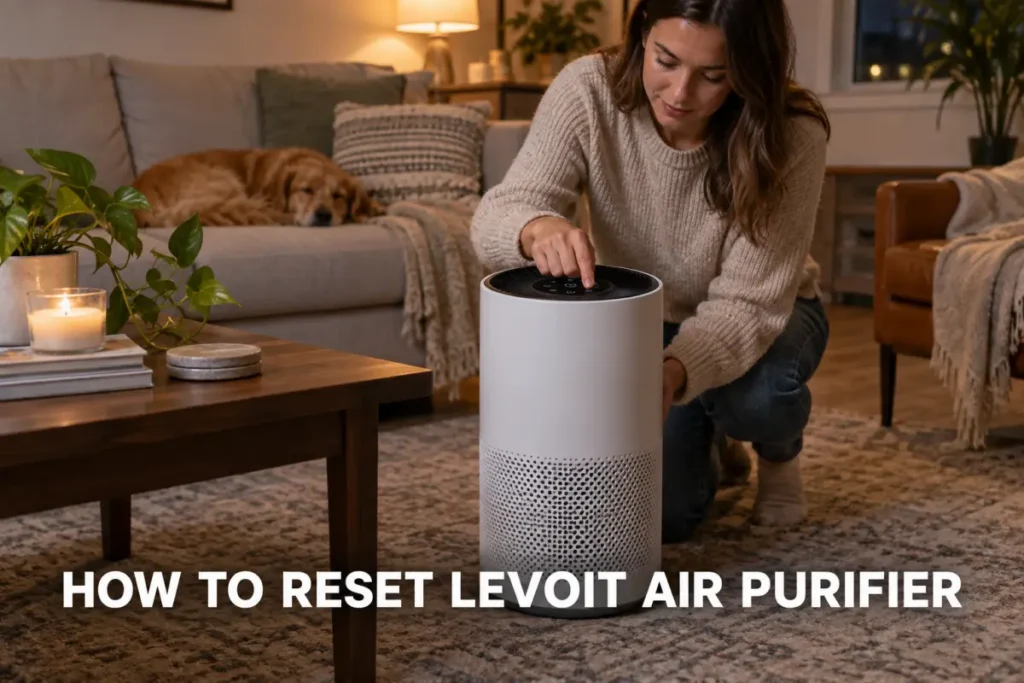
Most Levoit air purifiers reset by holding a labeled button for three to five seconds until the filter light turns off. Which button, and how long you hold it, depends on your model, from the compact Core Mini to the app-connected Vital 200S. The reset only clears the unit’s internal usage timer, not the filter itself, so the light returning later is normal, not a fault.

This guide covers how to reset a Levoit air purifier model by model. It also covers the separate Wi-Fi reset most owners never need. It explains what to try when the light stays on after a normal reset. You will know exactly which button to press and how long to hold it for your specific unit.
Key Takeaways
- Most Levoit purifiers reset by holding the filter or power button for 3 to 5 seconds.
- The reset only clears the filter timer; it does not clean or replace the filter itself.
- Button location and hold time vary by model, from the Core Mini to the Vital 200S.
- If the light stays on, unplug the unit for 30 seconds before trying the reset again.
How to Reset a Levoit Air Purifier (Standard Steps)
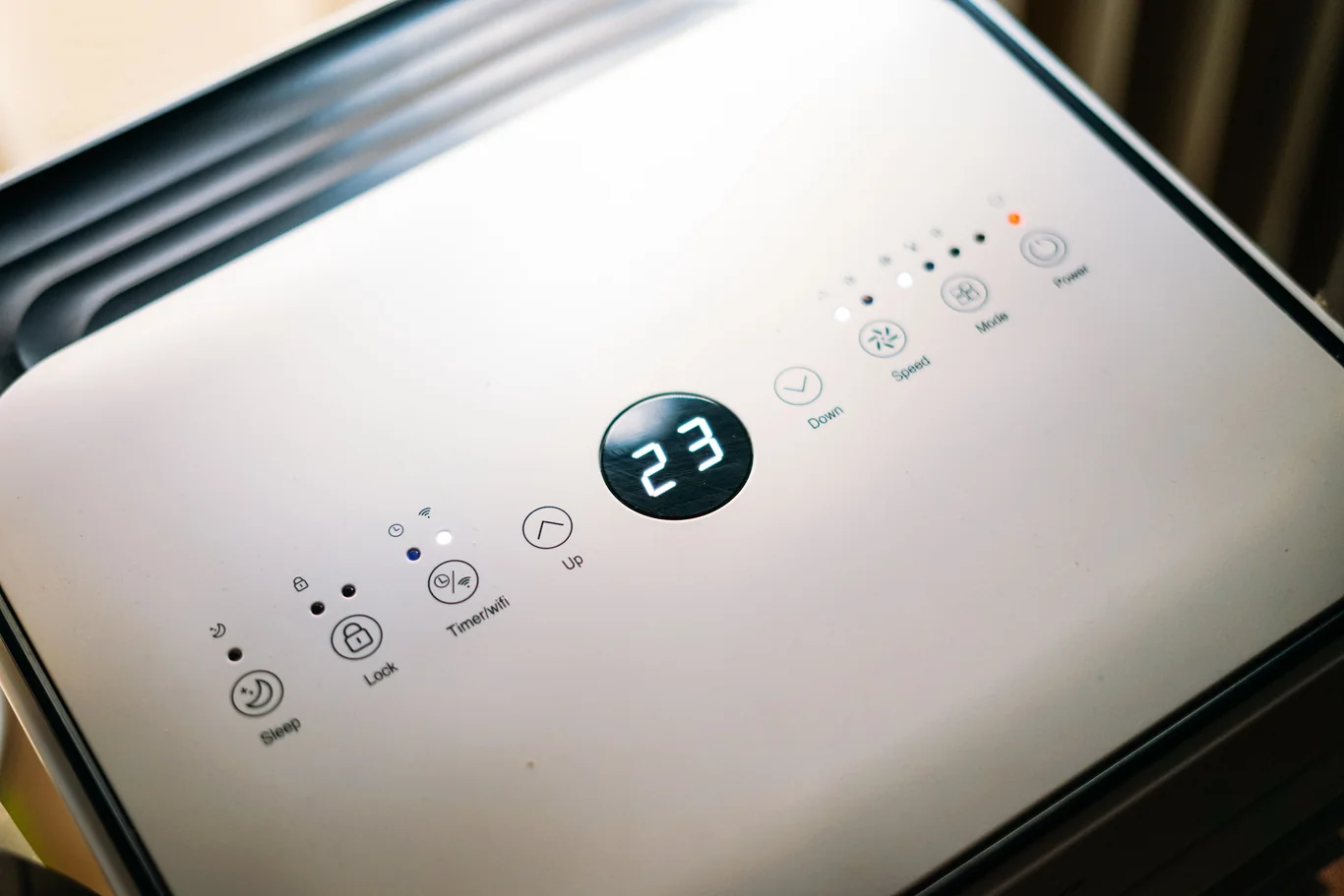
Holding the reset button clears the filter change light by resetting the unit’s internal running-hours timer; it does not clean, refresh, or replace the filter inside. Most Levoit models use a hold time of 3 to 5 seconds, though the exact figure can vary slightly between manuals.
Follow these steps for most Core and Vital models:
- Unplug the air purifier from the wall outlet.
- Remove the filter and confirm all plastic wrap has been taken off, then reseat it firmly.
- Plug the unit back in and wait for it to power on.
- Locate the labeled filter or reset button and hold it down for 3 to 5 seconds.
- Release the button once the filter light turns off or changes color.
Understanding the Filter Check Indicator
The check-filter light on a Levoit air purifier is not a dirt sensor. It is a running-hours timer that counts down from your last reset. Once the countdown ends, the light turns on whether the filter looks dirty or not. Levoit sets that countdown to roughly match how long a True HEPA (High-Efficiency Particulate Air) filter keeps working well. The light works as a maintenance reminder, not a live air-quality reading.
That maintenance schedule is not random. According to the EPA, a True HEPA filter must capture at least 99.97% of particles at 0.3 microns. Researchers call that size the most penetrating particle size (MPPS) because it is the hardest for a filter to catch. Levoit’s check-filter timer is built around holding that capture rate close to its rated performance, not just around a calendar date.
A separate rating covers overall performance: CADR (Clean Air Delivery Rate) and AHAM (Association of Home Appliance Manufacturers) Verifide certification. This is the independent number printed on the box, and it measures how much filtered air the unit delivers per minute. It has nothing to do with the check-filter light inside your unit, which only tracks elapsed running time.
Here is the detail that trips up most owners: the check-filter light and the color-changing air-quality ring are two different systems. The ring is shown as blue, yellow, or red on models like the Core 300. It reacts to what its sensor detects in the room right now. The check-filter light only reacts to a timer. As a result, a purifier can show a clean blue ring and a lit check-filter icon at the same time. Resetting the timer does not change what the ring reports.
As general upkeep, a True HEPA filter typically lasts six to twelve months before it needs replacing. A carbon pre-filter wears out faster, usually in three to six months. Actual lifespan depends on how much you run the unit and how dusty or smoky the air is. Cleaning the unit between filter changes helps it reach that full lifespan. Resetting the check-filter light without swapping a truly worn filter will not restore lost filtration.
How to Reset Levoit Air Purifier: Steps by Model
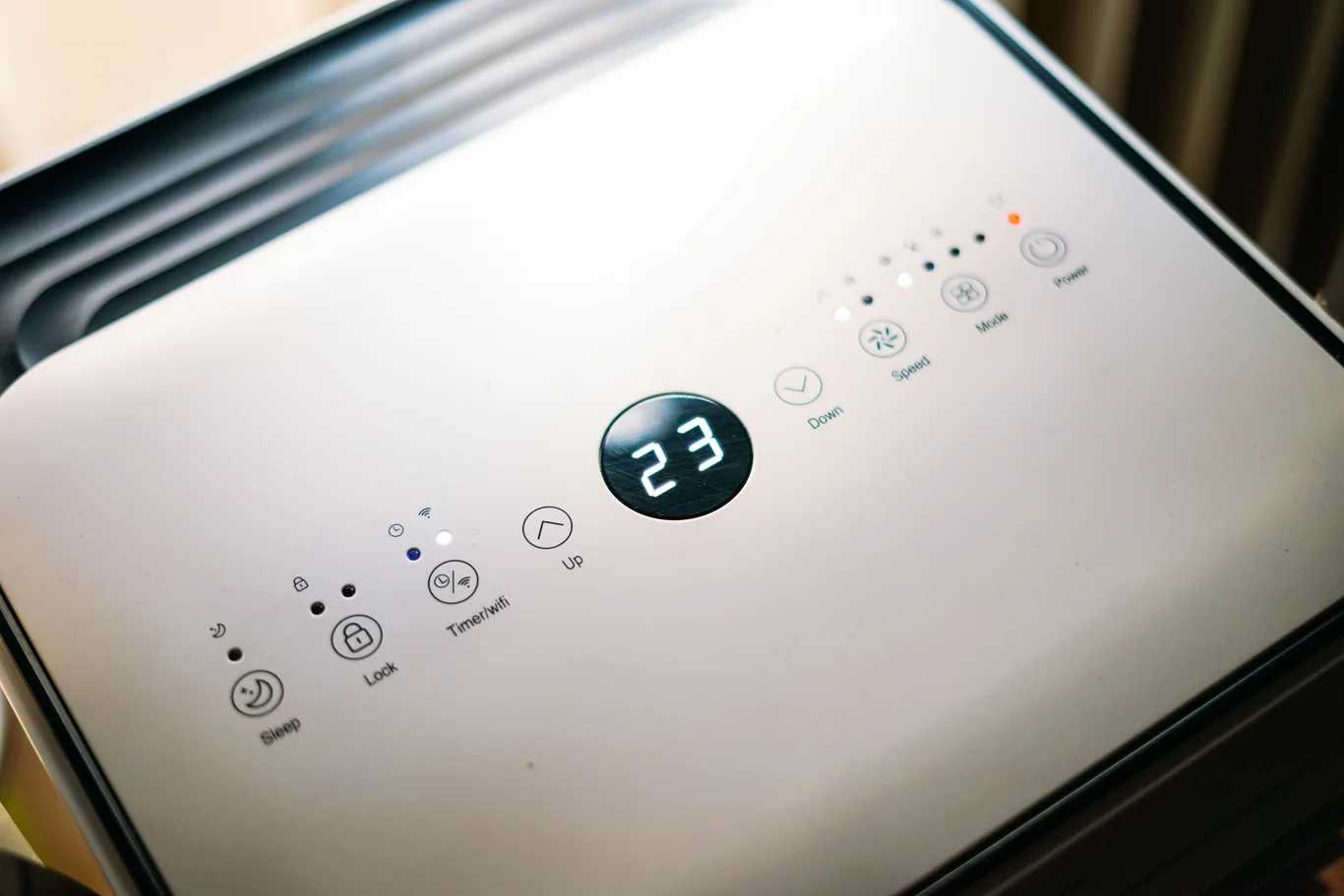
Most Levoit models follow the same basic pattern described above, but the exact button and hold time vary enough to matter. The Levoit Core 300 air purifier and Levoit Core 400S air purifier both use a dedicated Reset button on the control panel. The Levoit Vital 200S air purifier follows the same layout on its touch panel.
For a complete breakdown of that unit’s filtration performance and AHAM-verified output, my Levoit Vital 200S-P review covers the CADR figures and bedroom coverage in detail.
The Levoit Mini is the outlier here on button location.
If you are trying to reset the filter light on a Levoit Mini air purifier, remember it skips the labeled button entirely. Hold the single POWER button for three to five seconds instead, the same window used everywhere else, just on a different control.
| Model | Filter-Reset Control | Typical Hold Time | What to Know |
| Levoit Core 300 / Core 400S | Labeled Reset button on control panel | 3 to 5 seconds | Standard method, same as most models |
| Levoit Vital 200S | Touch panel Filter icon | 3 to 5 seconds | Same hold time, touch-based control |
| Levoit Core Mini / 100-series | No dedicated filter button | Hold POWER button 3 to 5 seconds | Only group without a labeled reset button |
Resetting Wi-Fi or Restoring Factory Settings
A Levoit air purifier actually has two separate resets, and mixing them up is an easy mistake. One clears the filter-check light, covered above. The other disconnects the unit from your Wi-Fi network and clears its saved app pairing. This is what you need if the unit will not reconnect to the VeSync app.
The two resets often use the same physical button, but the hold time is the deciding factor. Some Levoit manuals specify holding that button for about fifteen seconds to trigger a Wi-Fi disconnect. Compare that with the three-to-five-second hold that only clears the filter light. Holding too long by accident can wipe your network settings when all you wanted was to silence the indicator.
To resync a Levoit air purifier after a Wi-Fi reset, open the VeSync app and remove the old device entry first. Add the purifier again as if it were new, then follow the in-app prompts to reconnect it to your home network. The unit’s status light usually confirms a good pairing within a minute or two.
Hold times and button locations differ enough between models. A quick check of the Levoit air purifier manual PDF for your specific unit is worth the extra minute. Levoit publishes a model-specific manual for every current unit. It is the most reliable place to confirm button placement before you start pressing anything.
Why the Red Light Won’t Turn Off After a Reset
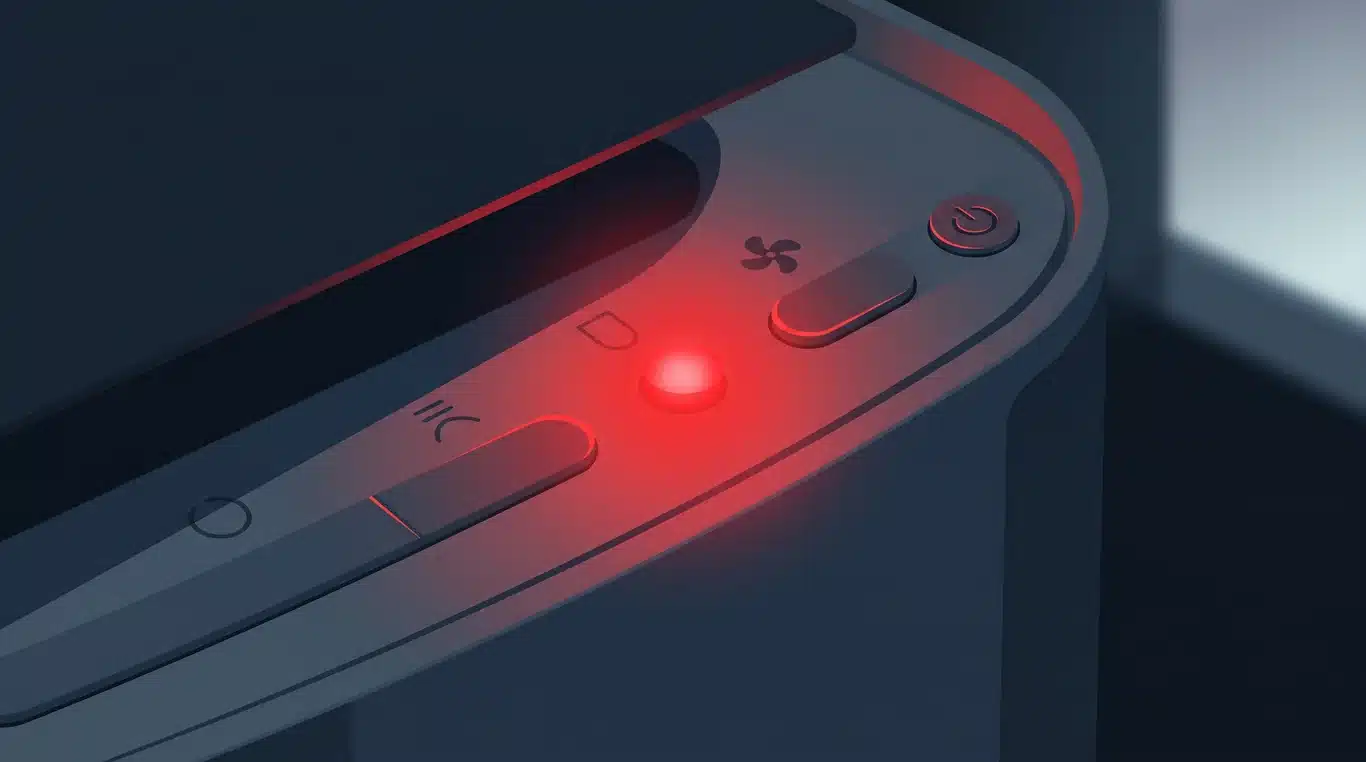
If the red or check-filter light stays on after you have tried the standard reset, the cause is almost always one of a few common issues. It is rarely a defect. Working through them in order usually clears it within a few minutes.
Check these before assuming the unit is broken:
- Plastic wrap still on: Every new or replacement filter ships inside a thin plastic sleeve. If it is still on, the sensor cannot get an accurate reading. The light will not clear no matter how long you hold the button.
- Filter not fully seated: A filter that sits slightly crooked keeps the light on. So does one that is not pushed all the way into its housing. Remove it and reseat it firmly before trying the reset again.
- Non-genuine filter not recognized: Some Levoit models only clear the light for filters the unit recognizes as genuine. A third-party filter may work fine physically but fail to reset the indicator.
- Wrong button or too short a hold: Pressing the wrong control will not register as a reset. Neither will releasing before the three-to-five-second window ends.
- Needs a full power cycle: If the button reset does not work, unplug the unit for a full 30 seconds. Then plug it back in and try the reset again from a cold start.
None of this is just cosmetic. The CDC (Centers for Disease Control and Prevention) lists portable HEPA air cleaners as an extra step for cleaner indoor air. The American Lung Association names HEPA purifiers as the most effective type of air-cleaning device for home use. We cover that distinction in more detail in our guide to the best air purifiers. A unit running past its rated filter life does not give the performance either group describes, even if you silence the light.
If you have worked through every step above and the light still will not clear, the unit likely has a genuine sensor or control-board fault. That points to a hardware issue, not routine maintenance. At that point, contact Levoit support directly instead of continuing to reset the same unit. A persistent fault after a full power cycle usually falls under warranty.
How We Research
We check every claim against primary sources. Federal agencies like the EPA and CDC come first. Certification bodies like NSF and AHAM come next. We verify each standard number against the issuing body. We review this guide on a set schedule.
Why Trust This Guide
Puritisimo covers only water and air quality. Our guidance is editorial and independent. We cite every health figure so you can check it. We never present a promotional claim as fact.
Keeping the Filter Light Accurate, Not Just Quiet
A quick button hold clears the light, but it does not replace an actual filter change. Treating those as the same thing is the most common mistake owners make. Use the standard three-to-five-second method for most models. Check your specific unit if you own a Core Mini, Core 300, Core 400S, or Vital 200S. Button placement is not the same across the lineup. That is separate from how an air purifier actually cleans the room it is running in.
A stuck light almost always traces back to plastic wrap or a loose filter. It can also mean the reset needs a full power cycle instead of a second button press. Once you know your model’s exact button and timing, how to reset a Levoit air purifier becomes a five-second habit instead of a recurring frustration.
Core 300 owners specifically will find my Core 300-P air purifier review useful for checking the replacement interval that keeps the timer meaningful rather than just silenced.
Frequently Asked Questions
How do you reset a Levoit air purifier?
Resetting a Levoit air purifier usually means holding the labeled filter or reset button for three to five seconds until the indicator light clears. On models without a dedicated filter button, such as the Core Mini, hold the power button instead. If the light stays lit afterward, unplug the unit for 30 seconds before trying again.
Why won’t the red light go off on my Levoit air purifier?
The red light usually stays on because the filter’s plastic wrap is still on, or the filter is not fully seated in its housing. It can also mean the reset needs a full power cycle rather than a second button hold. Removing the wrap, reseating the filter, and unplugging the unit for 30 seconds resolves most cases.
How do I resync my Levoit air purifier?
Resyncing is a Wi-Fi issue, not a filter reset, so it uses a longer button hold, often around fifteen seconds, to disconnect the network. Open the VeSync app, remove the old device, then add the purifier again as new and follow the prompts to reconnect it to your home network.
How do I reset my air purifier after changing the filter?
After changing the filter, remove its plastic wrap first, since a wrapped filter will not let the check-light clear no matter how long you hold the button. Once it is unwrapped and seated, hold the filter or reset button for three to five seconds. The light is a running-hours timer, not a live cleanliness sensor.
Why isn’t my Levoit air purifier working?
If the unit will not turn on at all, check that it is firmly plugged into a working outlet and that the child lock is not enabled. A locked panel can look unresponsive. A unit that still will not respond after a full power cycle likely has a hardware fault and needs Levoit support, not another reset.
References
- EPA. What Is a HEPA Filter. U.S. Environmental Protection Agency. Accessed 2026.
- AHAM Verifide. AHAM’s Air Filtration Standards. Association of Home Appliance Manufacturers. Accessed 2026.
- CDC. Improving Ventilation and Air Quality. Centers for Disease Control and Prevention. Accessed 2026.
- American Lung Association. Air Cleaning Devices. American Lung Association. Accessed 2026.
Medical Disclaimer: This content is for informational purposes only. It is not a substitute for professional medical advice, diagnosis, or treatment. If you have concerns about your water quality or air quality and their effects on your health, consult a qualified healthcare professional.